
Which Version of PhotoScape Should You Install for Your Windows OS?
For 99% of Windows users — including everyone on Windows 7, Windows 8.1, Windows 10, and Windows 11 (22H2–24H2) — PhotoScape 3.7 (`PhotoScapeSetup_V3.7.exe`, 20.4 MB) is the final, most stable classic release and includes every feature from earlier 3.x builds plus critical memory and RAW decoder fixes. The only technical reason to install version 3.4 is if you are maintaining an antique industrial or retro PC running Windows 98, Windows ME, or Windows 2000.
| Version | Release Date | Installer Size | Supported Windows OS | Key Changes & Status |
|---|---|---|---|---|
| PhotoScape X v4.2.1 | 2024–2026 | ~356 MB | Windows 10/11 (64-bit) & macOS 13–15 | 64-bit engine, Cut Out Magic Eraser, HDR, Focus Stacking |
| PhotoScape 3.7 (Recommended) | Sep 11, 2014 (LTS) | 20.4 MB | Windows 11, 10, 8.1, 8, 7, Vista, XP (32/64-bit) | Added Smart Blur, Film Effect brush, Color Picker lock, 34 languages |
| PhotoScape 3.6.5 | Jun 25, 2013 | 20.3 MB | Windows 8, 7, Vista, XP | Updated JPEG turbo library, added Black & White Point brush |
| PhotoScape 3.6.3 | Dec 28, 2012 | 20.1 MB | Windows 8, 7, Vista, XP | Added Dehaze filter, updated RAW Converter libraw table |
| PhotoScape 3.5 | May 24, 2010 | 16.5 MB | Windows 7, Vista, XP, 2000 | Introduced Print Portrait Shot (passport sizes) & Splitter tab |
| PhotoScape 3.4 | Aug 28, 2009 | 14.3 MB | Windows 98, ME, 2000, XP, Vista | Final build supporting Win9x kernel without Unicode GDI+ lock |
Detailed Changelog: What Was Added in PhotoScape 3.7 over 3.6.x & 3.5?
1. New Retouching & Filter Modules in v3.7
- Smart Blur (Clear Skin Filter): Smooths portrait skin texture and high-ISO shadow grain while preserving crisp edge contrast around eyes, hair, and text.
- Expanded Effect Brush: Added selective brush painting for Brighten, Darken, Grayscale, Sepia, Mosaic, Red-Eye, and Liquify/Jitter so you can retouch local regions without affecting the whole frame.
- Updated Camera RAW & EXIF Engine: Improved decoding stability for large 24+ MP DSLR files in the RAW Converter and Batch Editor.
2. Why Official Mirrors Removed Bundled Third-Party Offers
Back in 2013–2014, some third-party download mirrors distributed v3.6.x installers wrapped with optional adware toolbars (such as OpenCandy or Google Toolbar prompts). Our verified PhotoScape 3.7 standalone installer (and Portable USB guide) provides the clean 20.4 MB package with zero bundled toolbars or browser offers. For a full security breakdown, read our Is PhotoScape Safe? Security Audit.
Frequently Asked Questions
Is PhotoScape 3.7 faster or slower than older versions like 3.5 or 3.6.5?
PhotoScape 3.7 is actually faster than 3.5 and 3.6.x because it incorporates libjpeg-turbo SIMD acceleration, cutting JPEG loading and batch saving times by nearly 40% while using the same ~54 MB of RAM.
Can I upgrade from PhotoScape 3.5 or 3.6.5 to 3.7 without losing my saved frames or batch presets?
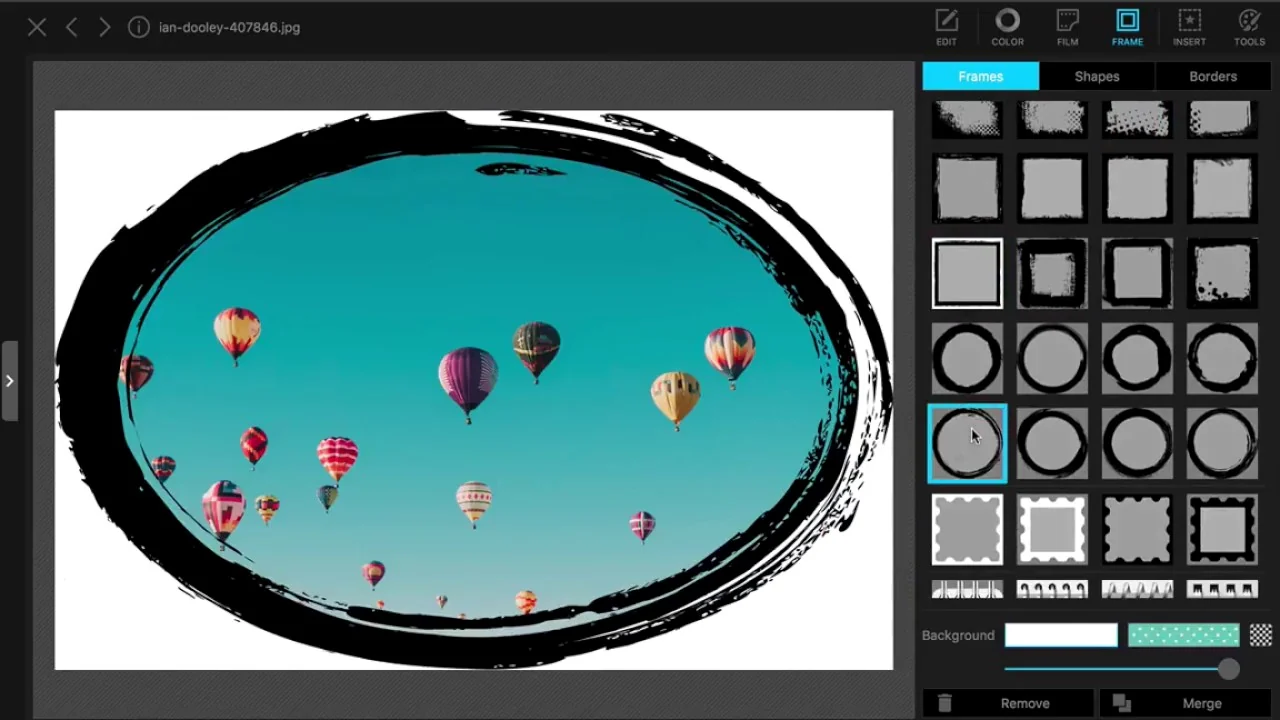
Yes. Installing PhotoScape 3.7 over an older 3.x installation preserves your custom user presets and favorites while updating the core executable and language files.
Which version should I use on Windows 7 (32-bit or 64-bit)?
Use PhotoScape 3.7. It runs natively on both 32-bit and 64-bit editions of Windows 7 SP1 as well as Windows 10 and Windows 11.
How does PhotoScape 3.7 compare to PhotoScape X v4.2.1?
See our full PhotoScape X vs 3.7 comparison: 3.7 is 100% freeware for Windows with a 20.4 MB footprint, whereas PhotoScape X is a 64-bit rewrite for Windows 10/11 and Mac that adds the Cut Out background remover.