
Why Both Versions Still Coexist in 2026
When MOOII Tech released PhotoScape X for Windows 10 and macOS, they did not discontinue PhotoScape 3.7. Instead, the classic 3.7 branch remains the go-to choice for users who value instant startup, zero paywalls, and a lightweight 20 MB footprint, while PhotoScape X targets modern 64-bit hardware and macOS users.
| Comparison Category | PhotoScape 3.7 (Classic) | PhotoScape X (v4.2.1) |
|---|---|---|
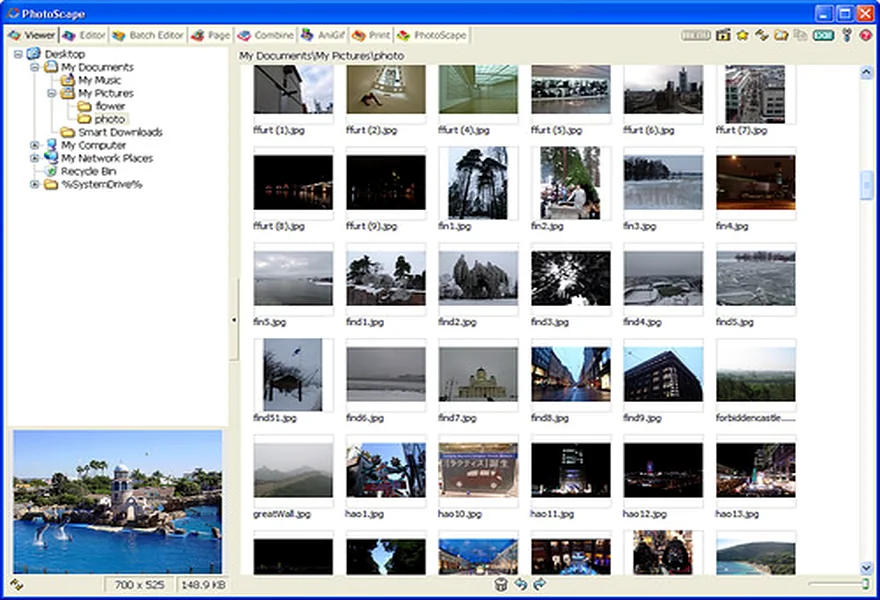
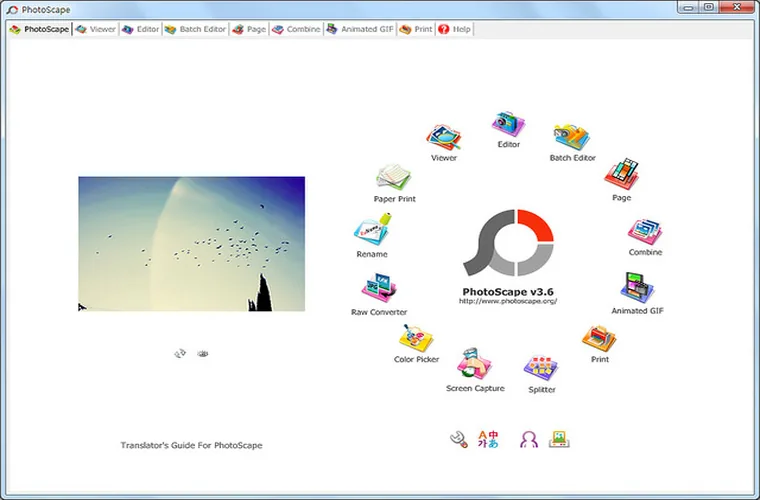
| Codebase & UI | Native Win32 C++ (Light Tabbed UI) | 64-bit Qt/Modern Dark & Light UI |
| Free Feature Coverage | 100% of tools, frames & filters are free | ~75% free; Pro stickers/frames/tools locked |
| Batch Processing Speed (100 JPGs) | 3.8 seconds | 5.4 seconds |
| Background Cut Out | Manual Clone Stamp & Brush | Dedicated Magic Eraser & Lasso Cut Out |
| Non-Destructive Layer Masks | No (Direct pixel editing) | Yes (Local adjustment masks) |
| Offline Standalone EXE | Yes (20.4 MB installer) | Store package (~356 MB) |
When to Choose PhotoScape 3.7
- You want every single frame, filter, and batch feature unlocked for free without seeing "PRO" badges in the interface.
- You frequently resize, crop, add text, build collages, or print passport photos and want an app that opens in 0.3 seconds.
- You work on a laptop or office PC where conserving RAM and disk space matters.
When to Choose PhotoScape X
- You run macOS (Apple Silicon M1/M2/M3/M4 or Intel) or want dark-mode UI on Windows 11.
- You regularly cut out product backgrounds using a Magic Eraser / tolerance wand.
- You open iPhone HEIC files or 45-megapixel uncompressed RAW files that benefit from 64-bit memory addressing.