
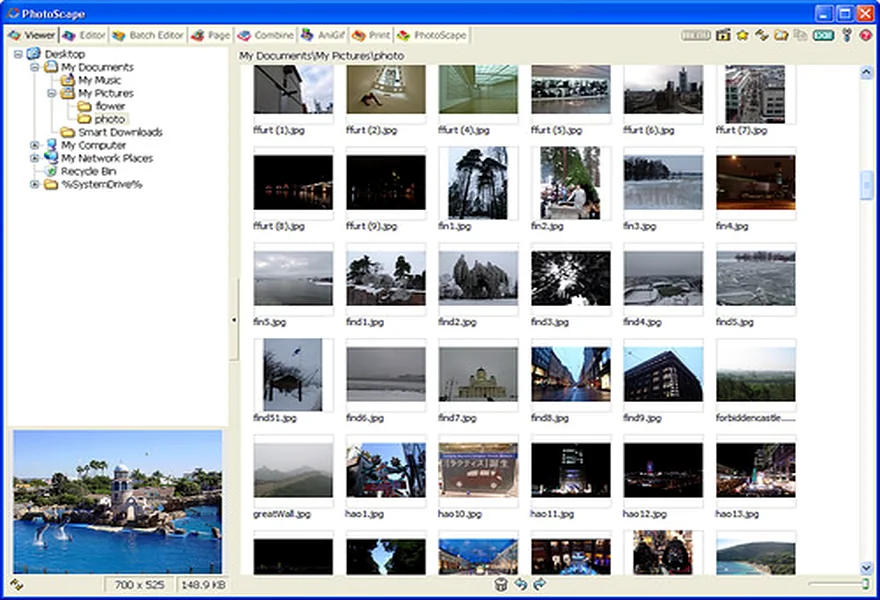
Does PhotoScape 3.7 Work on Windows 11?
Even though the official MOOII Tech download page originally listed Windows NT through Windows 10, PhotoScape 3.7 runs with 100% stability on Windows 11 (including 22H2, 23H2, and 24H2). Because it relies on standard Win32 GDI+ APIs rather than deprecated drivers, it requires no compatibility shims.
Fixing Blurry UI Text on 4K & High-DPI Monitors
If your Windows 11 display scaling is set to 125%, 150%, or 200%, classic Win32 apps can look slightly soft. Fix this in 15 seconds:
- Right-click the PhotoScape desktop shortcut and select Properties.
- Switch to the Compatibility tab and click Change high DPI settings.
- Check Override high DPI scaling behavior at the bottom.
- Select Application (for pixel-exact 1:1 sharpness) or System (Enhanced) (for crisp font rendering), then click OK.
Tip for Windows 11 Default Viewer: To make PhotoScape your default image viewer, go to Windows Settings → Apps → Default apps, search for PhotoScape, and assign
.jpg, .png, and .gif.