
Using the Built-in RAW Converter
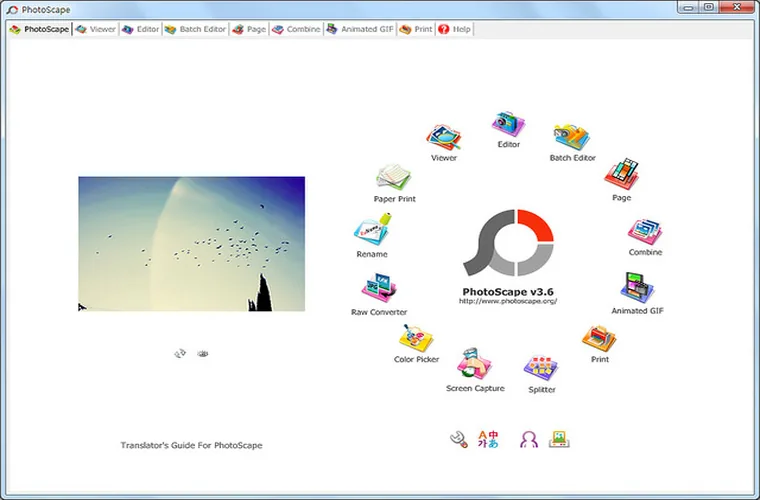
- Launch PhotoScape and click Raw Converter from the main circular hub (or top menu).
- Click Add and select your `.CR2`, `.NEF`, `.ARW`, `.ORF`, `.PEF`, or `.DNG` files.
- Configure conversion options:
- Half Size (Fast): Halves pixel dimensions for instant preview sheets and 4x faster decoding. Leave unchecked for full sensor resolution.
- Auto White Balance: Uses day-light calculation to neutralize tungsten or fluorescent color casts.
- Camera White Balance (Recommended): Preserves the exact Kelvin setting recorded by your camera at the moment of capture.
- Click Convert to output standard sRGB JPEGs ready for the Editor or Batch tab.